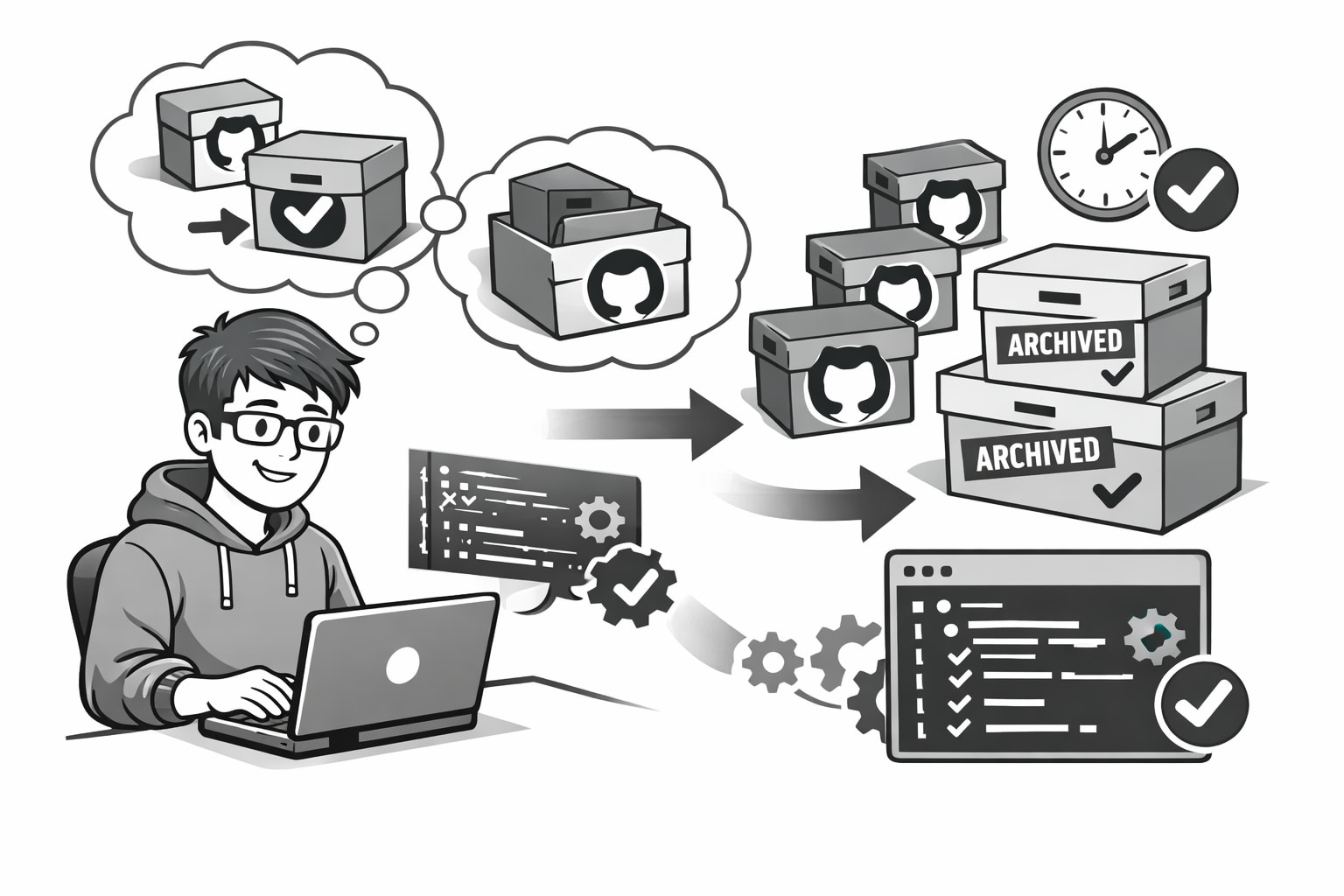
It's the end of the year, which apparently means it's time for reflection and GitHub cleanup. Over the years, I've created (and quietly abandoned) a lot of repositories. Side projects. Experiments. "I'll totally finish this later" ideas. At some point I crossed the 100-repo mark, which made using the GitHub UI to clean things up feel like a punishment I didn't sign up for.
So instead of clicking my way into carpal tunnel, I did what any reasonable modern-day developer would do:
I asked ChatGPT to help me write a small bash script and let the computer do the boring part.
The goal was simple:
- Archive old repos
- Make them private
- Preserve my todos, half-baked-sass ideas, fizzbuzzes and fibonacci experiments for historical reasons (Nostalgia? Maybe. Hoarder? Absolutely.)
Step 1: Install the GitHub CLI
If you're on a Mac and don't already have the GitHub CLI installed:
brew install gh
If you're on Windows, Google tells me this works:
winget install --id GitHub.cli
(I'll trust Google on this one.)
Step 2: Authenticate
Once installed, authenticate the CLI with your GitHub account:
gh auth login
Follow the prompts and you're good to go.
Step 3: Create the script
Create a new file called archive-repos.sh or whatever filename you prefer.
Here's the script I ended up with:
#!/usr/bin/env bash
# Use the user's env to find bash
set -euo pipefail
# Exit on error, unset vars are errors, fail pipelines on first failure

# Read each repository identifier (owner/repo) from repos.txt
while IFS= read -r r; do
  [[ -z "$r" ]] && continue
  # Skips empty lines

  echo "Checking $r"            # Progress output

  # Query current archived status and visibility via GitHub CLI (JSON + jq selector)
  archived=$(gh repo view "$r" --json isArchived --jq '.isArchived')
  visibility=$(gh repo view "$r" --json visibility --jq '.visibility')

  # 1) Ensure PRIVATE (even if archived)
  if [ "$visibility" != "PRIVATE" ]; then
    # If archived, temporarily unarchive to allow changing visibility
    if [ "$archived" = "true" ]; then
      echo "  → Repo is archived and not private. Temporarily unarchiving to change visibility..."
      gh repo unarchive "$r" --yes
      archived_was_true="true"
    else
      archived_was_true="false"
    fi

    echo "  → Setting visibility to private"
    # Change visibility to private; the flag auto-confirms the consequences prompt
    gh repo edit "$r" --visibility private --accept-visibility-change-consequences

    # If it was archived before, re-archive now that visibility is updated
    if [ "$archived_was_true" = "true" ]; then
      echo "  → Re-archiving"
      gh repo archive "$r" --yes
    fi
  else
    echo "  → Already private"
  fi

  # 2) Ensure archived (after visibility is correct)
  if [ "$archived" = "false" ]; then
    echo "  → Archiving"
    gh repo archive "$r" --yes
  else
    echo "  → Already archived"
  fi

done < repos.txt
Step 4: Tell the script what to clean up
Create a file called repos.txt (or whatever). This is just a list of repositories you want to archive, one per line, using the format owner/repo-name.
# repos.txt
your-github-username/repo1
your-github-username/repo2
your-github-username/repo3
# etc.
This makes it easy to add or remove repos without touching the script itself, which feels like the polite thing to do.
Yeh, yeh... I know.
That script could be refactored to include the GitHub username so you don't have to repeat it for each repo, but hey, this is a quick-and-dirty script.
Step 5: Run it
Make the script executable:
chmod +x archive-repos.sh
Then run it:
./archive-repos.sh
You'll see output something like this:
Checking your-github-username/repo1
  → Setting visibility to private
  → Archiving
Checking your-github-username/repo2
  → Already private
  → Already archived
Checking your-github-username/repo3
  → Setting visibility to private
  → Archiving
The script walks through each repository, makes it private if needed, and then archives it. No clicking. No UI fatigue. No second-guessing whether you really need that half-finished side project from 2017. Your GitHub stays tidy and your old experiments stay preserved. Everyone wins.
If nothing else, this is a good reminder that automation is just empathy for your future self.